
How to edit the post layout
Blogs
Your post layout is the master template for every blog post. Anything you add here shows on all your posts, such as a "Book your sleep assessment call" button under every article.
- Go to the Sites tab, click Blogs, then click your blog's name.
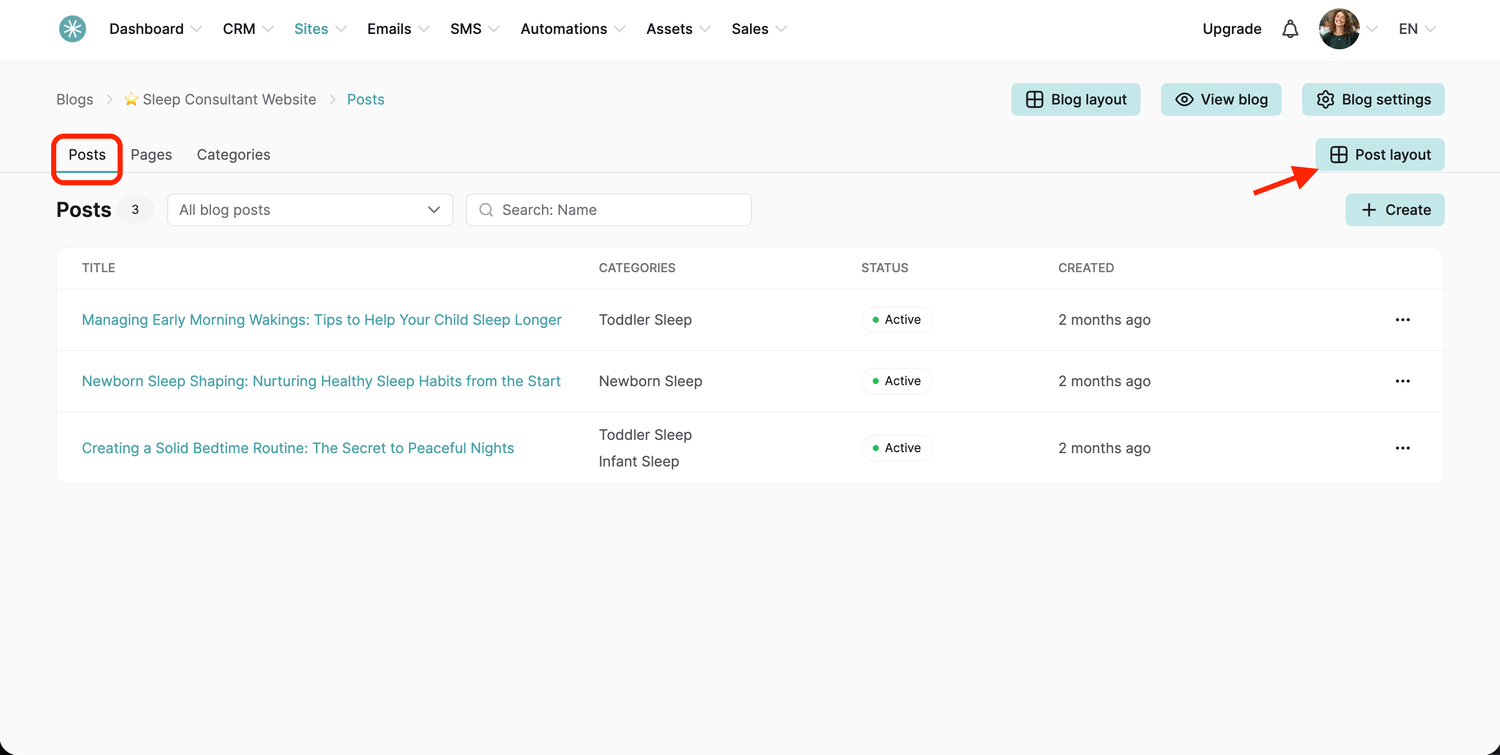
- Open the Posts section and click Post layout.
SleepPRO™ adds these elements for you:
- Blog post categories: replaced by the categories of each post.
- Blog post title: replaced by the title of each post.
- Blog post image: replaced by the cover image you uploaded for each post.
- Blog post content: replaced by the text of each post.
To show the publication date, add the Blog post date element.
Add more elements
Drag any element or block from the left panel onto the page. Click the element's settings icon to set it up.
Did this answer your question?