
How to edit the blog layout
Blogs
Your blog layout is the shared frame around all your blog pages and posts. It holds your header, your footer and the space where your content appears.
Anything you add to the blog layout shows on every blog page and post. You can only edit those elements from the blog layout editor.
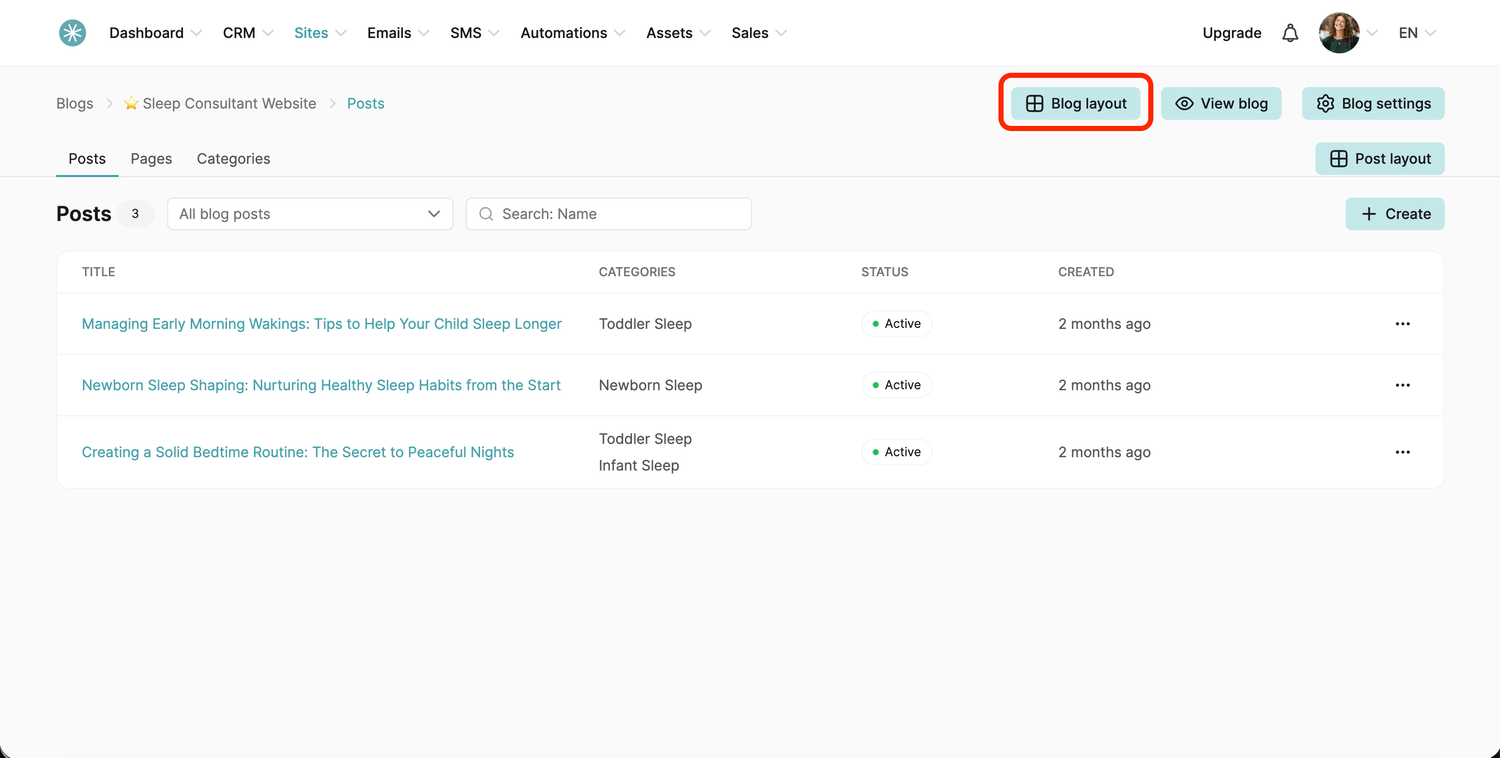
- Go to the Sites tab, click Blogs, then click your blog's name.
- Click Blog layout. The editor opens.
- From the left menu, add Elements or Blocks. Anything you add here appears on every page and post using this layout.
- Customize the default header and footer to match your brand.
- In the Settings panel, set the default typography and heading typography for every page using this layout.
Did this answer your question?